
Features
Everything OpenCineWorks can do
From AI editing to live streaming — all in one app on your computer.
AI editing
Claude and Codex work in OpenCineWorks through MCP — on your computer, with your subscription.
Claude & Codex
Connect Claude Desktop, Claude Code or Codex once from Settings → AI engines. No API key in OpenCineWorks.
AI Edit page
One-click requests — trim silence, add captions, change music, remove filler, auto reframe.
You stay in control
Apps must ask to connect; deletes, big cuts and exports wait for your OK; Ctrl+Z undoes any edit.
174 editing tools
The AI apps get the same tools you have: cuts, captions, titles, colour, audio, graphics, export.
Editing
A complete timeline editor that stays fast on long projects.
Timeline
Split, ripple delete, trim, speed and multiple video and audio tracks.
Adjustment layers
Grade and add effects to every track below, from the playhead on.
Transform & crop
Position, scale, rotation, opacity, blend modes and crop for every clip.
Versions & auto save
Every change is saved within a second; go back to earlier versions any time.
Text, captions & graphics
Everything that goes on top of your video.
115 title fonts
Google Fonts for titles, downloaded on first use — 22 of them Telugu.
Indian scripts done right
Telugu and Hindi titles export correctly shaped, not broken into pieces.
Captions & translations
Transcribe on your computer, style with presets, translate and export subtitles.
Motion graphics
Lower thirds, callouts, charts, steps and comparison cards you can edit.
3D emoji & icons
1,595 Fluent 3D emoji and recolourable line icons as stickers.
Music & audio
Sound that is ready to use.
1,009 music tracks
Public-domain music from FreePD in every mood — upbeat, epic, cinematic, comedy.
929 sound effects
Whooshes, pops, clicks, impacts, jingles and more, all CC0.
Smart audio
Music ducks under speech; cut to the beat of a track.
Transitions & effects
Polish that previews and exports the same.
30 transitions
Fades, slides, whips, wipes, circles, blinds, blur and flash.
22 effects & looks
Golden Hour, Noir, Vintage, Cyberpunk, film grain, VHS, glitch, letterbox.
Record & go live
Capture and stream without another app.
Record camera & screen
Record the whole screen or drag out an area, with microphone and computer sound.
Screenshots
Capture an area or the whole screen straight into your media.
Go Live
Scenes, sources and an audio mixer; stream to YouTube, Twitch, Facebook or Kick.
Stream your edit
Pick your exported video as a source — it starts from the top the moment you are live.
Multistream & reconnect
Several services at once; a dropped connection reconnects by itself.
Export & projects
Get your video out, keep your work safe.
Cloud folder backup
Back projects up to OneDrive, Google Drive, Dropbox or iCloud folders.
Hardware export
H.264 export on your graphics card when it supports it, with a background render queue.
A look at the panels
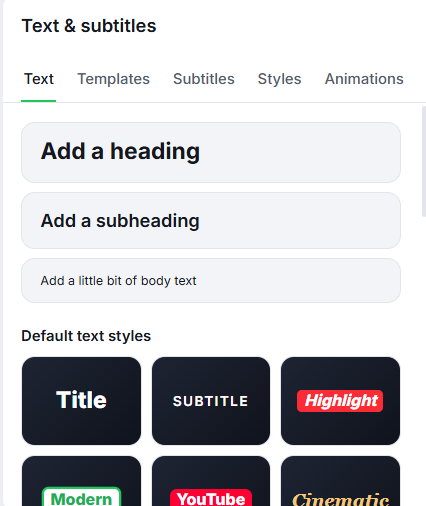
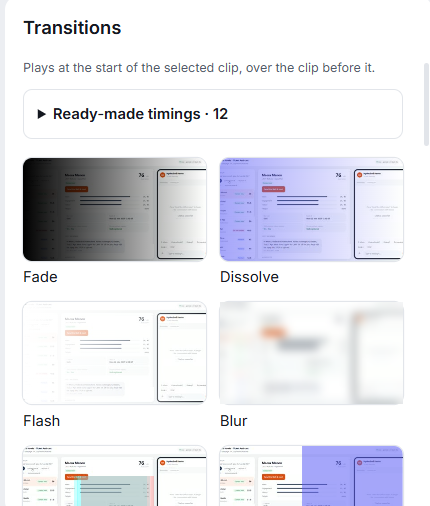
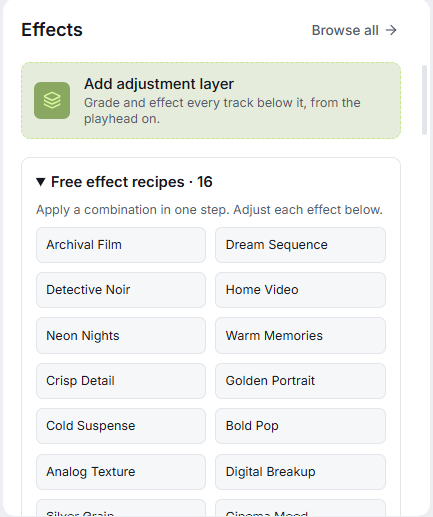
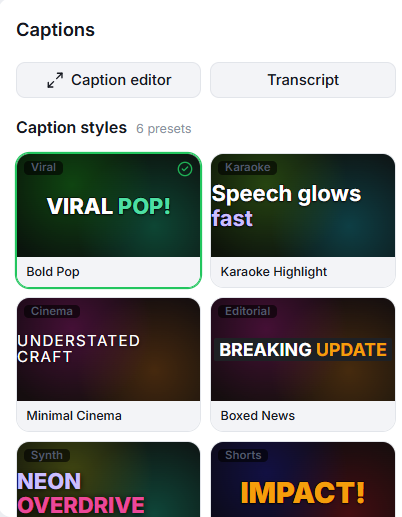
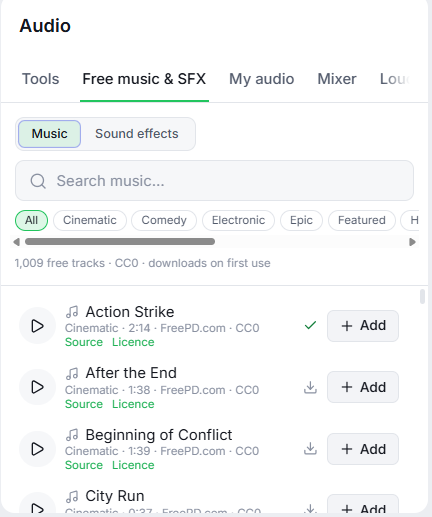
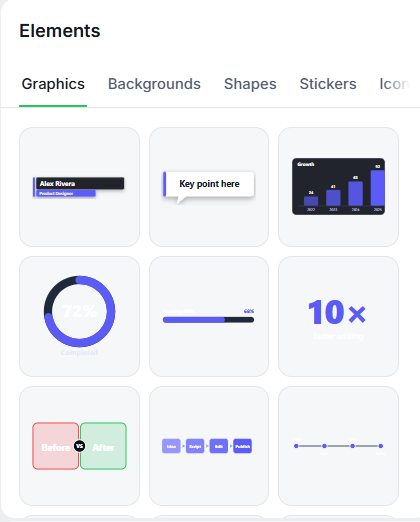
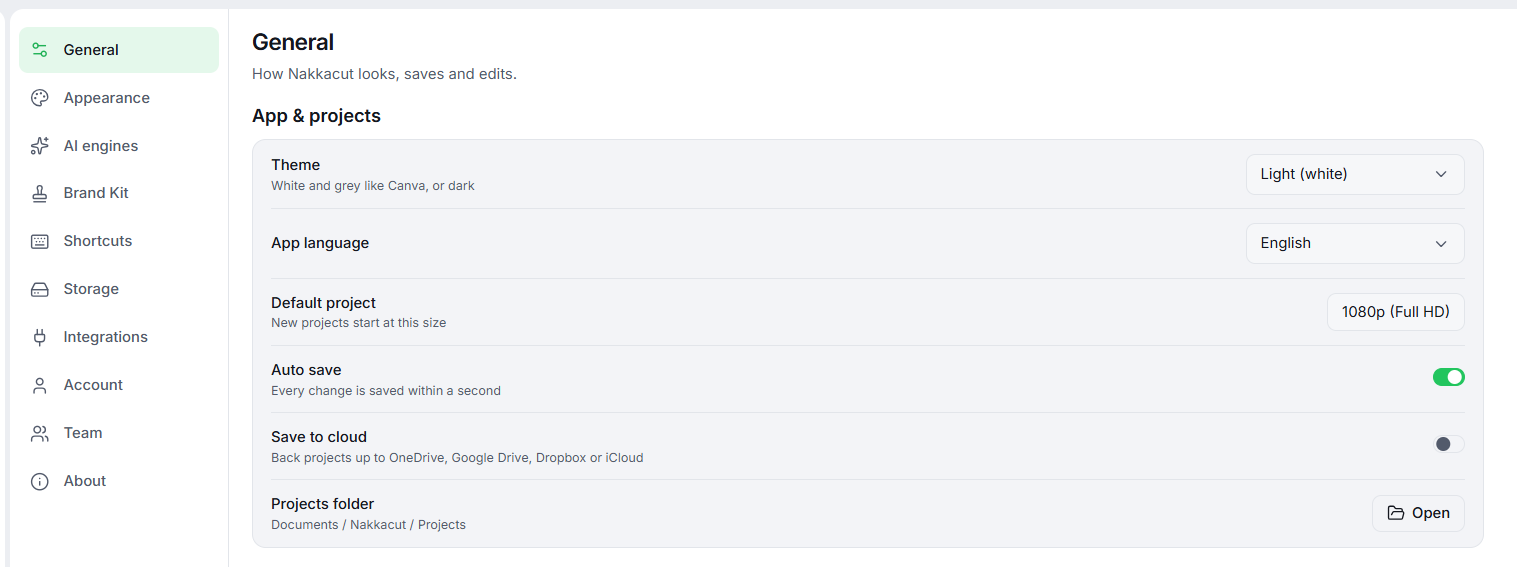
Settings: theme, language, default project size, auto save and cloud backup
Start editing with OpenCineWorks
Download it for Windows, then connect Claude or Codex in Settings → AI engines.
Windows 10 / 11 (64-bit) · Version 0.1.0